

Table of Content
- What is Crawling in SEO?
- How Google or Other Search Engines Crawl a Website
- Key Elements That Affect Crawling
- How to Get Google to Crawl Your Site
- Common Crawl Issues
- How to Fix Crawl Errors
- Tools to Monitor Crawling
- Conclusion
Before a search engine can rank your content, it has to find it. When you perform a search, Google isn't scanning the live internet in real-time; it's scanning its own massive index of the web. But how does that information get into the index in the first place? It starts with a fundamental process called "web crawling." Search engines do this by a process called "web crawling". Web crawlers scan through the internet, store various content in the database, and then analyse and index it properly.
What exactly is crawling in SEO? How do search engines work? How do I get my website crawled by Google? And many other questions will be answered in this blog. So keep on reading!
What is Crawling in SEO?
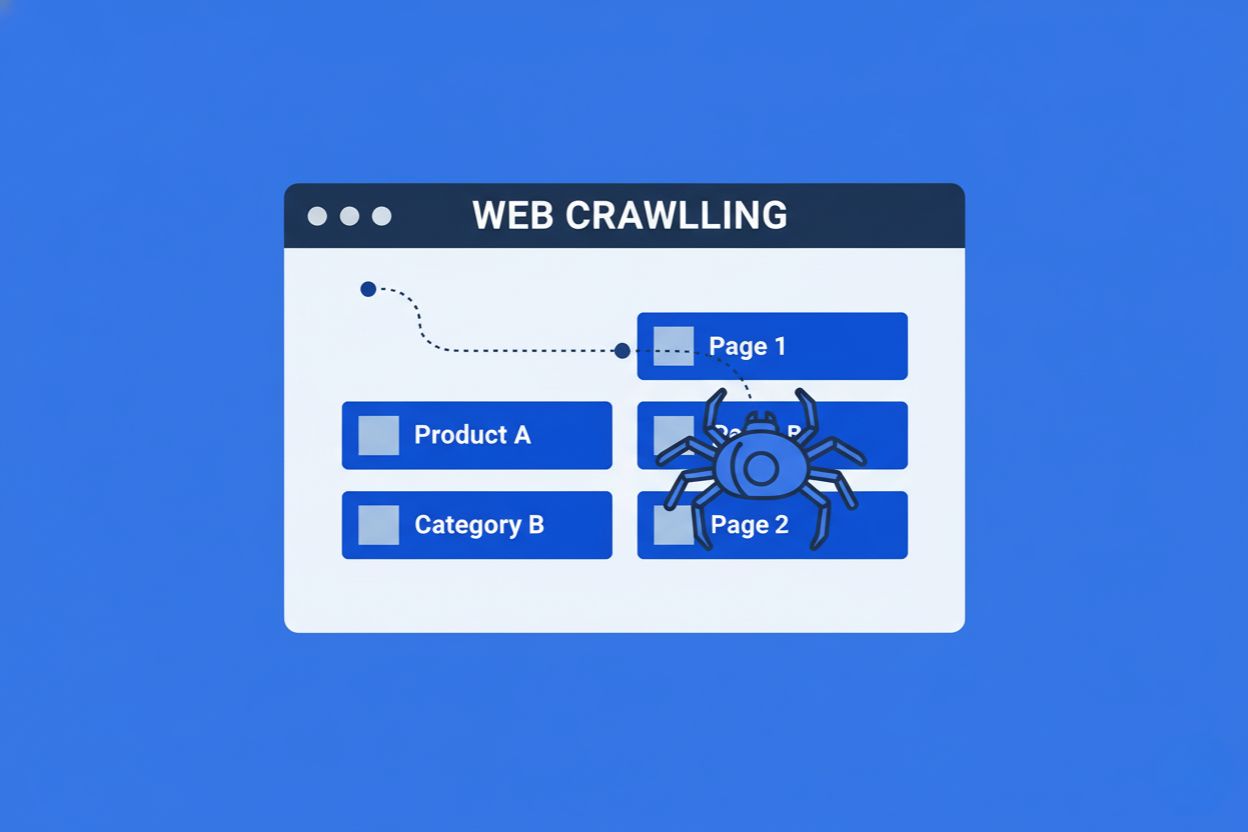
In SEO, crawling is the process by which a search engine crawler browses the internet to find and collect information about web pages. They start from a list of known URLs and then follow links on those pages to find new content. When a search engine crawler visits your site, it scans the text, images, links, and code to understand what the page is about. The collected data is then sent back to the search engine's servers, where it can be indexed and later shown in search results.
How Google or Other Search Engines Crawl a Website
Search engines like Google use automated bots, commonly known as crawlers or spiders, to discover and understand content on websites. Two key aspects of crawling are discovery and crawl budget.
Crawl Discovery: Links, Sitemaps, and URL Submissions
- Links: Crawlers follow links on your website and from other websites that redirect to yours.
- Sitemaps: An XML sitemap is a file that lists all the important URLs on your website, helping crawlers easily find and prioritize your pages.
- URL Submissions: Tools like Google Search Console allow you to manually submit new or updated URLs, speeding up the discovery process.
Crawl Budget: How Search Engines Work and Decide How Much of Your Site to Crawl
Think of Crawl Budget as the amount of time and resources Google is willing to spend on your website. Googlebot doesn't have infinite time. The "budget" is the number of pages the bot will crawl on your site before moving on. This is determined by two main factors:
- Crawl Demand: This is how much interest search engines have in crawling your website. Google prioritizes websites with high relevance, authority, and fresh content. Websites with frequent updates or those that are considered authoritative will be crawled more often.
- Crawl Capacity: This refers to your website’s technical capabilities, such as loading time and server performance. If your site has slow load times or many errors (e.g., 404s or 5xx errors), Googlebot may reduce the frequency of its crawls. It’s important to keep server performance optimal for a good crawl experience.
Tip: High-quality, frequently updated content often gets crawled more often, so regularly adding fresh content can help increase your crawl budget.
Key Elements That Affect Crawling
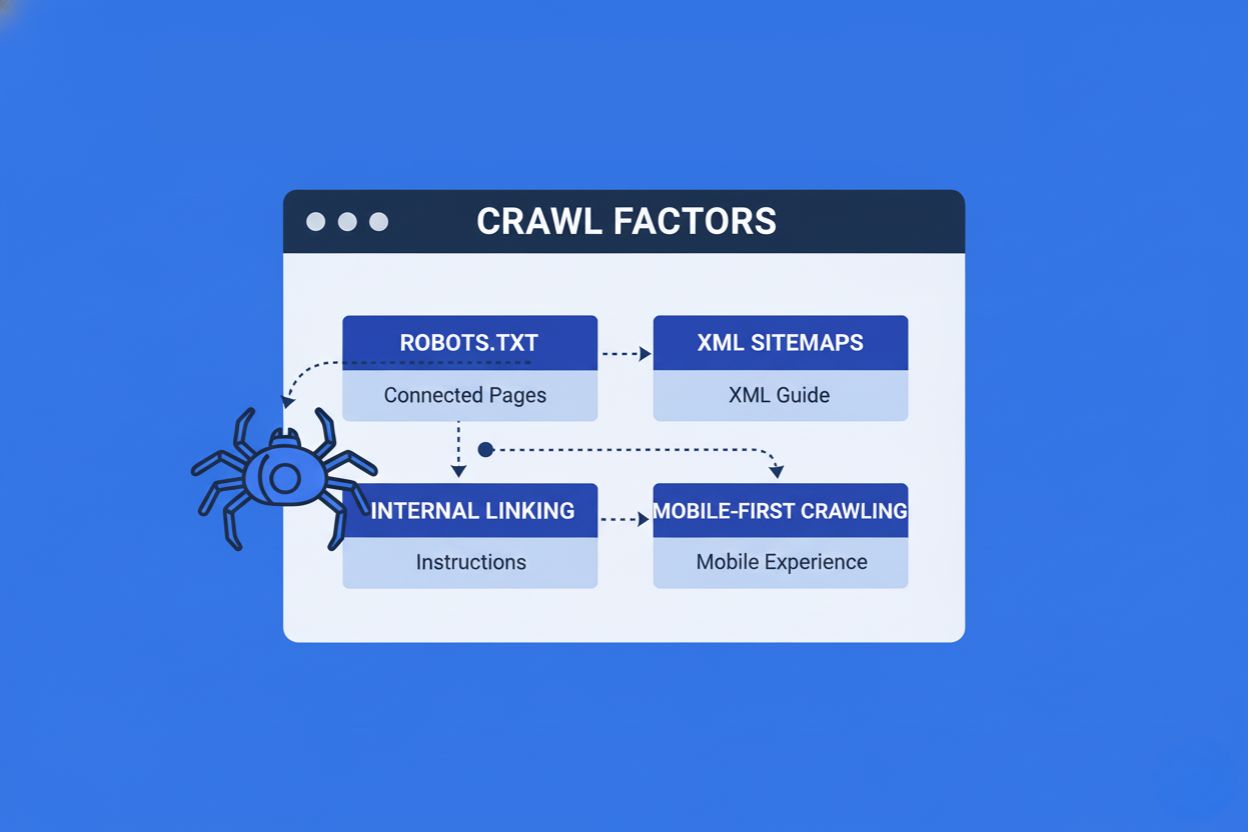
The following are the key elements that affect crawling:
Robots.txt - Allow or Block Access to Pages
Robots.txt is a text file that helps control and guide search engine crawlers on which pages they should or should not access. It’s commonly used to prevent crawlers from visiting pages that are irrelevant for search engine rankings (like duplicate content or admin pages).
Important Note: Robots.txt tells Google not to look at a page, but it doesn't strictly tell Google not to list it. If an external site links to a blocked page, Google may still index the URL without knowing what's on the page. To guarantee a page stays out of search results, allow crawling but use the noindex meta tag.
XML Sitemaps - Guiding Search Engines to Important URLs
An XML sitemap is like a map of all the webpages that are on your website. It gives the crawlers a complete list of all the content present on your website.
For more information on how to effectively manage your robots.txt and XML sitemaps, check out our blog on importance of robots.txt and XML Sitemap.
Internal Linking - Helps Crawlers Find Pages
Internal links on your site help crawlers navigate from one page to another, ensuring that all valuable content is discovered and indexed.
Mobile-First Crawling - Google Uses Mobile Content for Indexing
Mobile-First Crawling means that Google primarily uses the mobile version of your website’s content for indexing and ranking. Since more users access the web through mobile devices, Google prioritizes mobile-friendly sites. If your website isn't optimized for mobile, it may suffer lower rankings, as Google will consider the mobile version of your site to determine relevance and user experience.
How to Get Google to Crawl Your Site
Google uses its own crawler called "Googlebot" to crawl websites. You can find out which pages are not crawled by Googlebot by using the Google Search Console or by typing "site:yourdomain.com" in the Google search bar.
It is equally important to know which pages you do not want Googlebot to index. These pages could be duplicate URLs, staging or test pages, etc. You can use robots.txt to tell Google which pages it should crawl and which it should not. If Googlebot cannot find a robots.txt file, it will crawl the website entirely. But if it finds a robots.txt file, then Googlebot will abide by the commands and then proceed to crawl the website accordingly. Though do keep in mind that if Googlebot crawler finds an error while trying to access the robots.txt file and cannot determine if it exists or not, it will decide not to crawl the website.
Common Crawl Issues
Web crawlers can have issues crawling your website if it experiences one of these issues:- Different mobile vs. desktop navigation: If your mobile navigation shows different results than the desktop version, crawlers might miss important content.
- JavaScript-based menus: If your menu items are in JavaScript rather than HTML, crawlers may have difficulty accessing them. Googlebot can read JavaScript, but it struggles to fully interpret it, making HTML the preferred method.
- Content variation for different users: If your site shows different navigation or content to specific users, it might appear as cloaking to search engines, which could result in your site being penalized or not crawled.
- Missing internal links: If you forget to link to primary pages via navigation or internal linking, crawlers might not be able to find and index these pages.
How to Fix Crawl Errors
Once you have identified issues using tools like Google Search Console, use these strategies to resolve them and ensure Googlebot can access your content:
- Use Standard HTML for Navigation: While Googlebot is evolving, it still processes
JavaScript in a secondary phase known as the "rendering queue". To ensure immediate discovery, always use
standard HTML links (
<a href>) for your primary navigation and menu items rather than relying solely on scripts. - Ensure Mobile-Desktop Consistency: With Mobile-First crawling, Google predominantly looks at your mobile site. If your mobile navigation differs from your desktop version, or hides content behind "read more" buttons that are difficult to crawl, you risk losing rankings. Ensure you maintain a consistent UI/UX and show the same navigation links to all users across every device.
- Audit Your Robots.txt File: A misplaced command in your robots.txt file can accidentally block Google from crawling your entire site. Regularly test your robots.txt file to ensure you are allowing access to important pages while only blocking admin or duplicate pages.
- Fix Internal Linking Structures: Crawlers rely on links to move from page to page. If you have "orphan pages" (pages with no internal links pointing to them), crawlers may never find them. Ensure every important page is linked from your main navigation or relevant blog posts.
Tools to Monitor Crawling
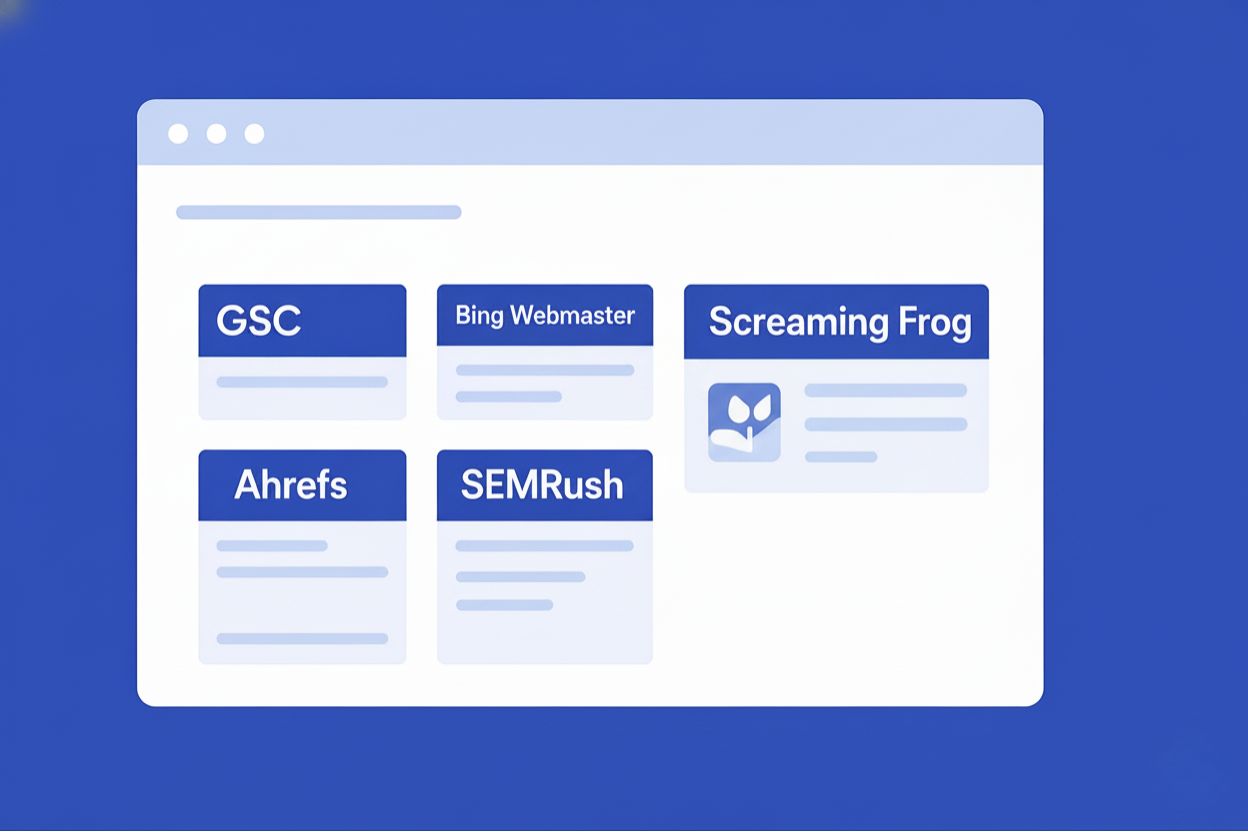
There are various tools (free and paid) that you can use to monitor crawling. Many of these tools also give you a detailed report on things like server responses and issues. Some of the popular tools are given below.
Google Search Console (GSC): It is a free tool by Google that provides insights into how Googlebot crawls your site. The Google Search Console crawl stats report shows crawl requests, server responses, and issues related to SEO crawling. You can also inspect specific URLs to see when they were last crawled.
Bing Webmaster Tools: This is a tool by Bing that offers crawl reports and URL inspection features to understand how its bots interact with your site.
Screaming Frog SEO Spider: It is a desktop crawler that simulates how search engines crawl your site. It identifies broken links, duplicate content, missing meta tags, etc.
Ahrefs Site Audit and SEMrush Site Audit: Both of these are paid SEO platforms that include powerful crawling and auditing features.
Sitebulb: A visual crawler that mimics how search engines crawl and also explains issues in a simple way.
Conclusion
As you can see, there are several factors involved in crawling to make sure that your website is ranked higher on search engines, like internal linking, XML sitemaps, robots.txt, and mobile-friendly website design.
If Google can't crawl your site effectively, the best content in the world won't rank. Crawling is the foundation of your SEO strategy. One broken link or a misplaced robots.txt file can inadvertently de-index your entire business. Don't leave your visibility to chance. To avoid such mistakes, it is better to hire the best SEO company in Dubai to properly optimise your website.
We are the top digital marketing agency in Dubai and can take care of your website, whether it is an e-commerce website or just a landing page, and properly optimise it so it can be easily crawled by all the popular search engines and ranked higher in SERPs (Search Engine Result Pages). Our expertise in the Dubai market ensures that your website is tailored to meet local SEO needs, helping you reach your target audience more effectively.
Feel free to contact us, or have a quick chat with us at+971 58 564 1811. We look forward to discussing your goals!