

Table of Content
- What Is Technical SEO?
- Identifying Common Website Technical SEO Issues
- Slow Website Speed and Its Impact on SEO
- Issue With Mobile Optimisation
- XML Sitemap Issues
- Broken Links and 404 Errors
- Incorrect or missing robots.txt
- No HTTPS Security
- HyperText Transfer Protocol Secure
- Site Isn’t Indexed
- Duplicate Content Issues
- Improper or Missing Structured Data (Schema Markup)
- Incorrect Rel=Canonical
- Missing alt tags
- Non-Working Contact Forms
- Crawlability Issue
- How To Diagnose Technical SEO Issues
- Conclusion
- FAQ Section on Technical SEO
Did you know that only 33% of the websites pass the core web vitals threshold, indicating that more than 67% of sites need improvements in various divisions like interactivity, visual stability and loading performance? That's where Technical SEO comes into the picture and acts as a crucial tool that ensures enhanced user performance and improvements in ranking.
In order to understand the wide array of website Technical SEO issues that can affect your business, it is essential that we first understand Technical SEO as a whole.
What Is Technical SEO?
Technical SEOrefers to the process of optimizing and improving your website to help search engines crawl, index, and rank it more efficiently. It is basically connected with behind-the-scenes aspects of a website‘s infrastructure. If done right, Technical SEO has the power to boost your visibility immensely on search engines. However, not everyone is adept at it, and here are some common website technical issues that you should avoid.
Read:What is Technical SEO and Why is it Important?
Identifying Common Website Technical SEO Issues
Identifying and resolving these issues not only enhances the user experience but is also essential for maintaining a healthy and optimized website
Slow Website Speed and Its Impact on SEO

Good website speed is crucial as Google considers speed a direct ranking factor. The Core Web Vitals is a set of metrics focused on interactivity, visual stability, and loading performance that measures the real-world user experience and significantly impacts how Google showcases your website‘s rank.
A slow website speed has adverse effects on SEO; here are some of the ways a sluggish website speed affects the same:
- Higher bounce rates
- Reduction in engagement level of users
- Decreased conversion rate
- Lower search rankings
How to Fix Slow Page Speed
- Compress & convert images to WebP/AVIF and lazy-load below-the-fold visuals.
- Minify & bundle CSS/JS with tools like CSSNano and Terser; defer non-critical scripts.
- Enable browser caching via proper Cache-Control headers.
- Use a CDN (Cloudflare, AWS CloudFront) to serve assets from edge nodes.
- Audit third-party scripts (chat widgets, analytics); remove or defer ones you don’t need immediately.
- Implement server-side performance improvements: HTTP/2, GZIP/Brotli compression, and optimized hosting.
Issue With Mobile Optimisation
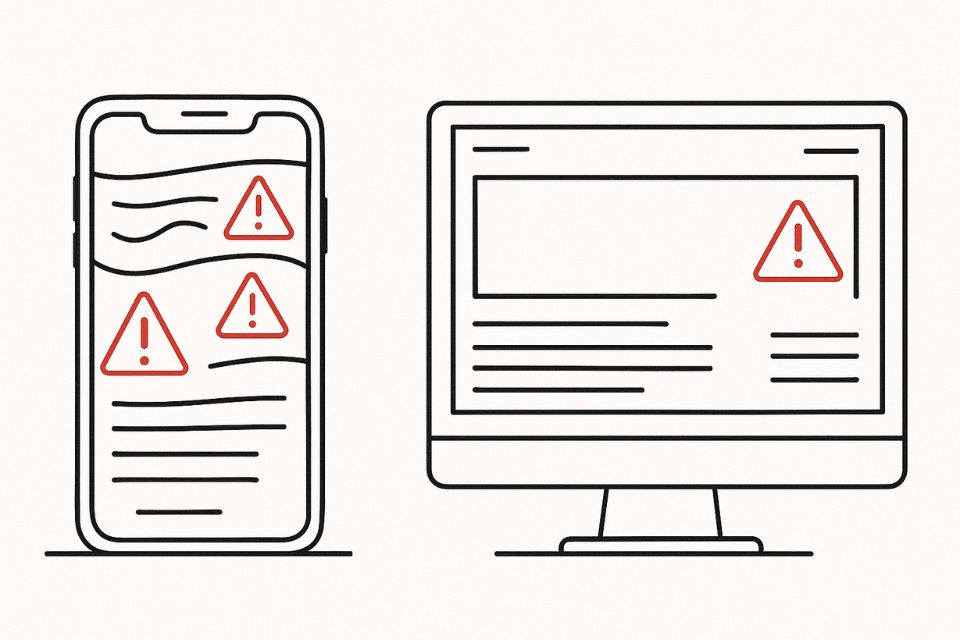
Mobile optimization ensures that a website delivers a seamless and engaging experience for its users. Issues like slow loading speeds and poorly designed layouts can lead to higher bounce rates and lower search engine rankings.
Since Google follows mobile-first indexing, the mobile version of the site is used as the primary basis for ranking, and a reduced loading speed causes users to leave and lowers their engagement levels.
How to Fix Mobile Usability
- Adopt a responsive framework (Bootstrap, Tailwind) so layouts fluidly adapt to all screens.
- Increase tap-target sizes to at least 48×48 px and space out buttons/links.
- Use viewport meta tag ().
- Optimize images & fonts for mobile: serve smaller dimensions and subset fonts.
- Avoid intrusive interstitials (pop-ups) that cover the main content.
- Test in Google’s Mobile-Friendly Test and address flagged issues (font size, viewport, clickable elements).
XML Sitemap Issues
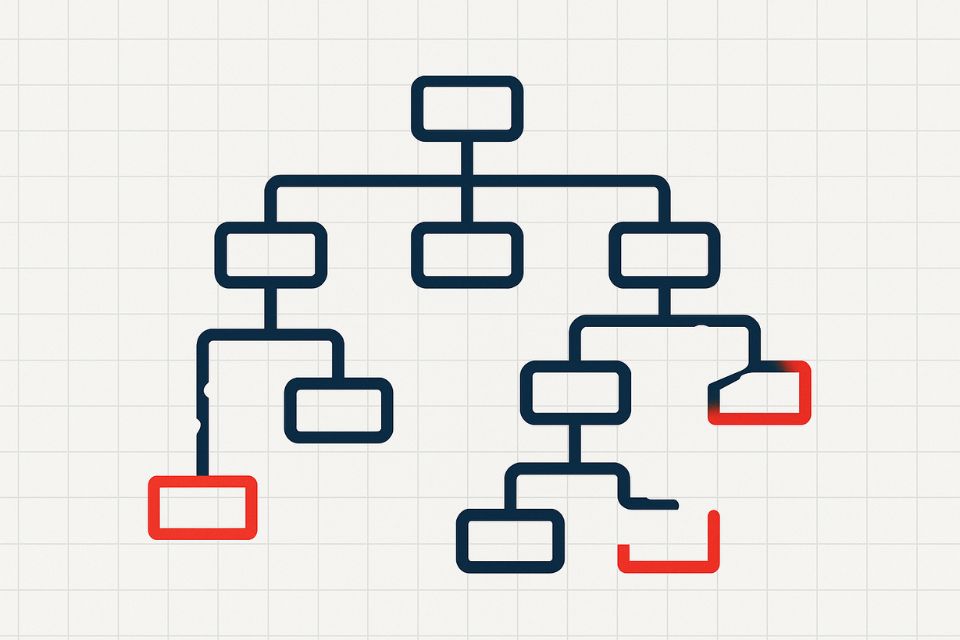
An XML sitemap acts like a roadmap for search engines and helps them understand a website's structure. When a sitemap is well optimized, it can help the user effortlessly crawl and index a page. This raises a common question:how important is sitemap for SEO? The answer lies in its ability to ensure that search engines discover and prioritize the most critical pages of your site, especially for large or newly launched websites.
When businesses commit mistakes like leaving a missing, incomplete, or outdated sitemap with incorrect XML formatting and excessive URL count, it affects how search engines read, process, and rank their data.
How to Fix Your Sitemap
- Generate a fresh XML sitemap with all canonical URLs; tools: Yoast SEO, Screaming Frog, or your CMS plugin.
- Exclude low-value URLs (parameter pages, staging layouts) to keep URL count under 50K.
- Validate against the XML schema (W3C Validator) and eliminate formatting errors.
- Submit the sitemap in Google Search Console & Bing Webmaster Tools.
- Automate regeneration on new content via your CMS or CI pipeline.
- Add
tags so search engines know when pages were updated.
Broken Links and 404 Errors
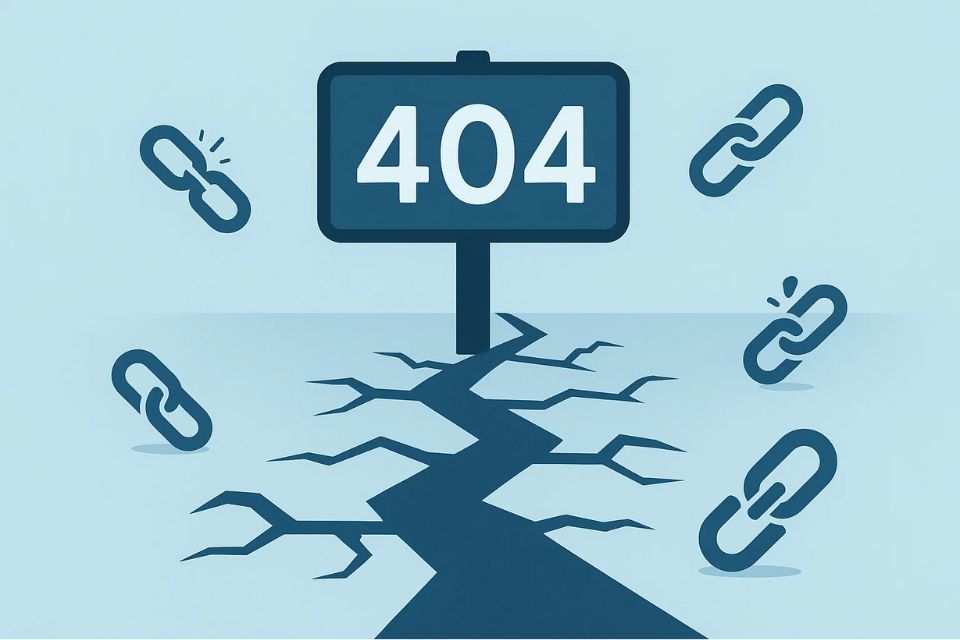
When your webpage contains hyperlinks that lead the user to a non-existent or removed page, this creates a negative user experience and encourages the user to not return to your page.
Broken links and 404 errors also tend to waste the crawl budget, preventing proper crawling of valuable pages, which has a direct impact on search engine ranking. All in all, a website that contains broken links looks poorly maintained, which reduces its overall trustworthiness in the eyes of both the user and the search engines.
How to Fix Broken Links
- Crawl your site with Screaming Frog or Ahrefs to get a full 404 report.
- 301-redirect removed URLs to the most relevant existing page, not always to the homepage.
- Update internal links in templates, menus, and content to point to the new/correct URLs.
- Fix external links in your CMS or ask referring sites to update their links.
- Customize your 404 page with helpful navigation and search so users stay on your site.
Incorrect or missing robots.txt

The robot.txt file is a vital component of a website‘s Technical SEO. It basically guides search engine bots to index pages, which can potentially lead to higher rankings. Incorrect or missing robots.txt can notably waste the crawl budget and cause server overload.
Incorrect directives or the absence of the file can hamper your site‘s ranking, visibility, traffic and indexing efficiency. Regular website audits are a good way to maintain a robust SEO strategy.
How to Fix robots.txt
- Create a robots.txt at your domain root (/robots.txt), if missing.
- Allow crawling of your main sections; Disallow only admin, staging, or duplicate-content directories.
- Test in Google Search Console’s robots.txt tester and remove any accidental Disallow: /.
- Reference your sitemap within robots.txt: Sitemap:https://yourdomain.com/sitemap.xml
- Audit regularly after site changes to ensure no critical sections are blocked.
No HTTPS Security

HyperText Transfer Protocol Secure (HTTPS) encrypts data between a user‘s browser and the website. Google uses HTTPS security as a ranking factor, and when a website does not contain HTTPS security, it reduces a user's trust level by showcasing a “not secure” sign.
There are also other major risks, such as the chance of data being leaked, which can cause bigger problems, such as reputational damage and hefty regulatory penalties.
How to Fix HTTPS
- Purchase & install an SSL/TLS certificate (Let’s Encrypt is free).
- Redirect all HTTP traffic to HTTPS via 301 rules in your server config or CDN.
- Update internal URLs and canonical tags to use https://.
- Ensure mixed-content is resolved: serve all scripts, images, and CSS over HTTPS.
- Enable HSTS (Strict-Transport-Security) to force browsers to use HTTPS.
Site Isn’t Indexed
If your website or specific web pages are not indexed by search engines, it is impossible for your platform to attract organic traffic. When you lose the ability to attract organic traffic, you lose the opportunity to rank and attract traffic to specific keywords.
In general, content creation requires time and resources, but unindexed pages don't deliver any value and provide a poor ROI( return on investment) on content marketing strategies. Thus, it becomes increasingly important to conduct an SEO audit periodically to check the index status.
How to Fix Indexing Issues
- Check Google Search Console “Coverage” report for “Excluded” URLs and reasons.
- Ensure pages aren’t noindex via meta tags or HTTP headers.
- Submit important URLs with the URL Inspection tool to request indexing.
- Improve internal linking so orphan pages have contextual links from high-authority pages.
- Increase crawl frequency by publishing fresh content and building internal links.
Duplicate Content Issues
Duplicate content refers to blocking content across websites that is identical in nature. Since search engines aim to provide unique and relevant content to their users, duplicate pages or content tend to confuse the search engine in determining which version of content should be ranked.
It also causes a poor navigation experience for users, which reduces the overall engagement rate and increases the bounce rate. Sometimes, businesses also deliberately create duplicate pages to manipulate the rankings, which is why Google has started penalizing organizations that have duplicate web pages, even if it is unintentional.
How to Fix Duplicate Content
- Implement canonical tags pointing to the single preferred URL version.
- 301-redirect duplicate pages to the canonical URL when consolidation is possible.
- Use hreflang for regional duplicates to signal language/geo variations.
- Avoid boilerplate: write unique titles, meta descriptions, and main body copy.
- Noindex thin pages (e.g., printer-friendly, archive listings) if they add no unique value.
Improper or Missing Structured Data (Schema Markup)
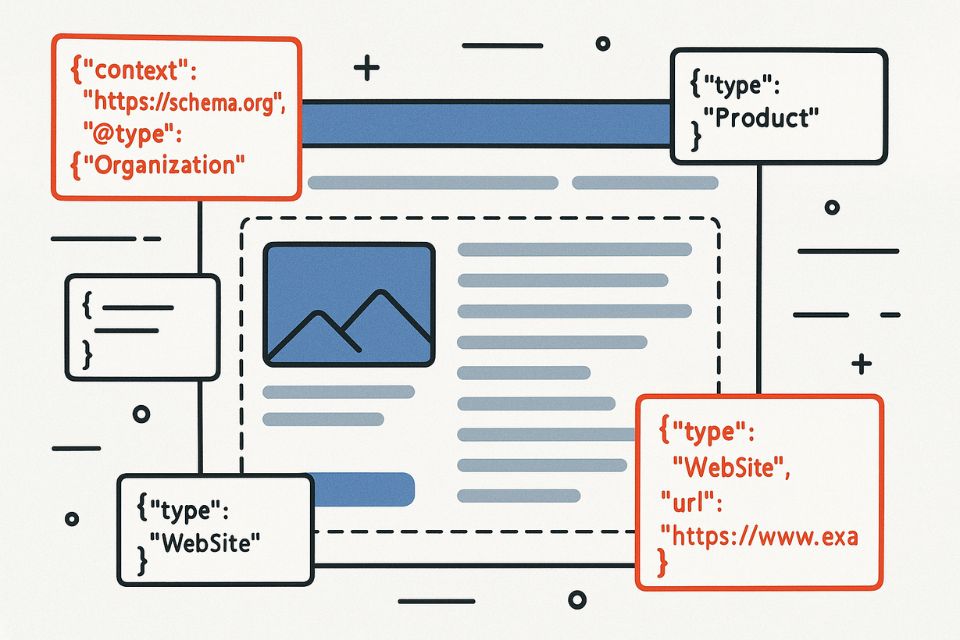
Structured data helps search engines understand and interpret your website’s content. It also allows the search engine to provide enhanced search features like product details, FAQs and reviews. However, when the structured data is misaligned or altogether missing, it negatively impacts the SEO performance and can notably lower the visibility and CTRs (Through rate)
The mismatch between the searched query and indexed content reduces the overall rankings, and potential ranking drops are due to inconsistent signals provided by the website.
How to Fix Schema Errors
- Identify missing types: FAQPage, BreadcrumbList, Article, Product, Review - per page purpose.
- Use Google’s Rich Results Test to validate your JSON-LD schema.
- Correct property names and remove any mismatches (e.g., image must be a URL).
- Keep markup up to date when page content changes.
- Implement via tag manager or directly in templates to ensure consistency.
Incorrect Rel=Canonical
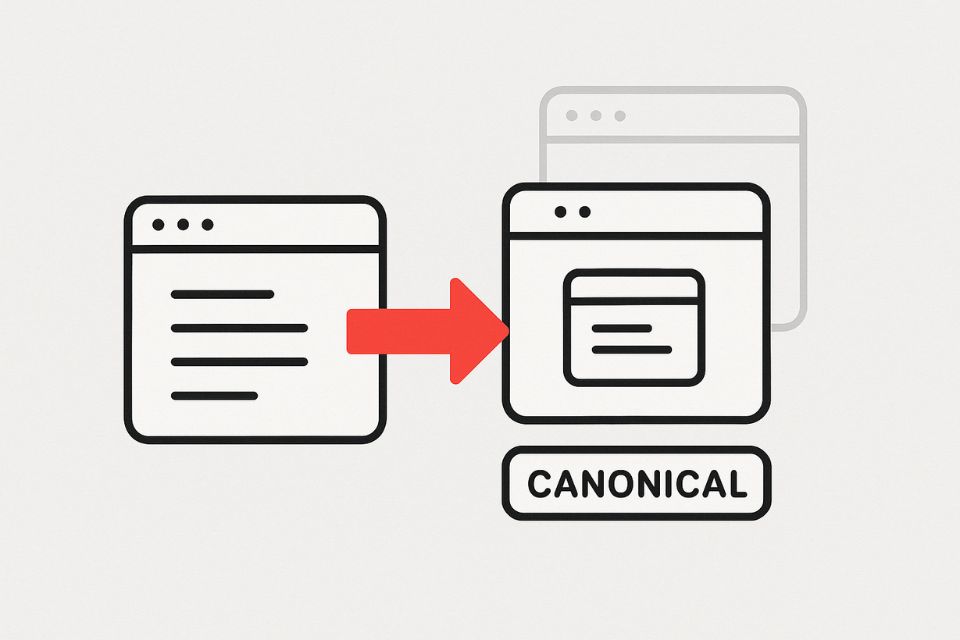
A canonical tag indicates to the search engine which version of the page is preferred when multiple versions of similar content are available. It can help consolidate ranking and maintain a clean website structure. However, incorrect use of the canonical tag can cause search engines to misinterpret the structure and lead to pages disappearing from search results.
It can also reduce the overall ranking of high-priority pages, as incorrect canalization causes Google and other engines to spend time crawling irrelevant or duplicate pages.
How to Fix Canonical Tags
- Point every version (http/https, www/non-www, parameterized URLs) to the one chosen canonical URL.
- Avoid self-referencing loops; canonical must match the actual rendered URL.
- Update CMS settings to generate the correct automatically.
- Test in URL Inspection to verify Google reads your canonical as intended.
Missing alt tags
Alt tags are HTML attributes used to describe images on webpages. They provide context to search engines and make it easier for them to interpret and understand image content. Missing alt tags can have a massive effect on SEO performance and user experience.
Since images without alt text are less likely to rank in image search results and decrease relevance for certain search queries, it reduces the overall organic traffic.
How to Fix Alt Text
- Audit images with Screaming Frog or an accessibility tool for missing alt attributes.
- Write concise, descriptive alt text (3–8 words) reflecting the image’s purpose.
- Avoid keyword stuffing - focus on context.
- Use empty alt (alt="") for purely decorative images.
Non-Working Contact Forms
When a business wants to communicate effectively with its customers, a contact form is an essential tool that bridges the gap. Non-working Contact forms don't directly influence the SEO rankings but can affect the user experience and potentially ruin the conversion rate.
This can have a long-term adverse effect on the credibility of the business itself. Trust is the most important factor when it comes to user retention and return of website visitors; when that trustworthiness level reduces, it affects the SEO indirectly.
How to Fix Form Functionality
- Test form submissions across browsers & devices; fix JavaScript errors.
- Validate SMTP settings or API credentials if you’re using a transactional email service.
- Implement server-side validation to catch spam & ensure reliable delivery.
- Provide clear success/failure messages so users know their submission went through.
- Monitor form conversion via Google Analytics events to catch drop-offs.
Crawlability Issue
Crawlability refers to a search engine‘s ability to efficiently access and navigate a web page. Suppose the search engine bots cannot. Crawlability issues can negatively affect SEO and prevent crawlers from accessing and indexing a website‘s content.
Along with that it also hampers the crawl budget for a website. Since crawlability issues can cause bots to spend time on irrelevant or unnecessary pages, important content might go missing or unnoticed.
These Technical SEO errors can disrupt a business‘s image and negatively affect various metrics that rank an organisation's webpage. Identifying and resolving these problems is crucial for maintaining a healthy and optimised website. Here are some ways you can diagnose these Technical SEO issues.
How to Fix Crawlability
- Ensure every page is reachable within 3 clicks from the homepage.
- Create an HTML sitemap for both users and bots.
- Avoid deep URL nests - keep important content within shallow folder structures.
- Fix JavaScript-rendered links by using prerendering or server-side rendering for critical pages.
- Monitor crawl budget in Google Search Console and trim low-value URLs from your sitemap.
How To Diagnose Technical SEO Issues
Using SEO Audit Tools
SEO audit tools are invaluable when diagnosing SEO issues. These tools can crawl your website and recognise problems related to indexing, crawlability, tags, mobile optimisation, and page speed.
Some SEO audit tools like SEMrush and frog seo Spider can help identify and resolve technical issues by providing detailed reports highlighting areas that need improvement.
These tools also come with advanced features that let you track your progress over time, indicating the impact of your adjustments. This information sheds some light on how you can refine your strategies accordingly.
Manual Checks for SEO Problems
While automated SEO tools are vital for auditing problems, manual checks can provide deeper insights into aspects like user experience, content overview, and other Technical SEO issues that a business might overlook. Technical SEO optimisations are crucial in giving the site’s SEO health a boost.
Manual checks include many factors, such as checking the website's load speed, ensuring mobile optimisation, and verifying that all internal and external links are working.
Google Search Console
A Google Search Console (GSC) is a tool that can give you an overview of your website‘s performance and diagnose important technical issues. This console provides reports on various metrics, such as index coverage, URL inspection, core web vitals, mobile usability, security issues, etc.
It basically covers every area that can affect your website's performance and gives you a thorough analysis of what is working and what isn't. It is a must-have tool for businesses, and it works like a gem for identifying Technical SEO issues and improving the website‘s overall ranking and visibility.
Conclusion
Technical SEO is the foundation of your site - if it’s cracked, everything else crumbles. Audit relentlessly with SEMrush, Google Search Console and manual checks to catch crawl, speed and indexation issues before they tank your rankings.Fix critical errors fast - every millisecond counts for both Google and your users.If you are looking for SEO services in Dubai, choose the Best SEO Services Dubai,partner with AONE SEO Service Dubai. We look after all Technical SEO aspects so you can focus on scaling your business and leaving your competition in the dust.
FAQ Section on Technical SEO
1. What is Technical SEO?
Technical SEO refers to the process of optimising and improving your website to help search engines crawl, index and rank it more efficiently.
2. How do I know if my website has Technical SEO issues?
To identify Technical SEO issues look for signs like slow loading speeds, broken links, duplicate content, poor mobile optimization, missing alt tags, incorrect robots.txt file, inadequate sitemaps, and issues with URL structure
3. Can I fix Technical SEO issues myself or do I need an expert?
While you can fix basic Technical SEO issues by yourself through consistent SEO audits, it is often best to consult technical experts as they can provide a through analysis
4. How often should I perform a Technical SEO audit?
Most website owners should conduct a comprehensive Technical SEO audit every 6 months, however mini audits for critical issues like site speed and sitemap errors should be done on a monthly basis
5. How can I find Technical SEO errors?
You can find Technical SEO errors using tools like google console, SEMrush and through consistent SEO audits
6. What is SEO in technical terms?
Search engine optimization (SEO) refers to the practice of optimising a website’s structure, content and code to improve its ranking in organic search results on search engines like Google.
7. What comes under Technical SEO?
Technical SEO includes the following:
- Website speed
- Mobile optimisation
- XML sitemap
- Duplicate Content
- Broken links and images
- Structured data
- User experience